GitHub Stars
24
Version
v0.2.7
Language
Rust
License
MIT
Platform
Linux + macOS
Latest release
2026-06-14
`jj-gh` (Rust, MIT, v0.2.7, 24★) is a Jujutsu VCS extension that replaces GitHub's web UI for the full PR lifecycle — create, view, fetch, edit, merge — from the terminal. v0.2.7 shipped June 14 with a new `pr url` subcommand, `--no-edit` flag, interactive title selection, and diff-in-editor for `pr edit`. Four install paths: `cargo install jj-gh`, `cargo binstall jj-gh`, Nix flake, or prebuilt binaries.

jj), a Git-compatible VCS designed around a cleaner mental model for stacked changes, you probably noticed that GitHub's PR workflow didn't come with you. gh (GitHub CLI) works against Git's branch model. jj's change-centric model doesn't map cleanly onto it. The result: you write code in jj, then tab out to a browser to manage the PR.jj extension that handles the full GitHub PR lifecycle — create, view, fetch, edit, re-stack, merge — without touching GitHub's web UI. 1jj gh subcommand set — or, if you alias it, directly as jj-gh. Each subcommand maps to something you'd normally do in the GitHub UI: 1| Subcommand | What it does |
|---|---|
jj gh pr create | Open a PR from the current change, drop into your editor for title + body |
jj gh pr log | List all open PRs with numbers and CI status in the terminal |
jj gh pr view <n> | Read a PR's description and metadata without leaving the terminal |
jj gh pr edit <n> | Edit PR title/description — now shows diffs in the edit view (v0.2.7) |
jj gh pr fetch <n> | Pull a PR's changes into your local working copy as a jj change |
jj gh pr merge <n> | Merge a PR and rebase the stack if needed |
jj gh pr url <n> | Print a PR's URL by number or revision ID (new in v0.2.7) |
pr url — new subcommand. Pass a PR number or a revision ID and get the URL back, useful for piping into clipboard tools or CI scripts--no-edit — skip the editor entirely when creating a PR, useful when the commit message is already the PR description--title-template and --pick-title — --title-template passes a format string; --pick-title opens an interactive selector to choose the title from recent commits in the stackpr edit now shows diffs in the editor view, so you see what's actually in the change while writing the descriptionjj gh is part of a piped command chain, which previously caused it to silently do nothingjj-ghjj's stacked-change model — five interconnected changes, each a separate logical step. You've pushed them all. Now you need to open PRs for each, set descriptions, and track CI status.# Create a PR for the current change, editor pops open for title+body
jj gh pr create
# Already have a good commit message — skip the editor
jj gh pr create --no-edit
# See all open PRs and their CI state
jj gh pr log
# Review PR #3's description before merging
jj gh pr view 3
# Merge it and let jj-gh rebase the stack
jj gh pr merge 3
# Print PR #4's URL to pipe elsewhere
jj gh pr url 4 | pbcopyjj's native tooling — you don't have to context-switch between jj's change model and GitHub's branch model.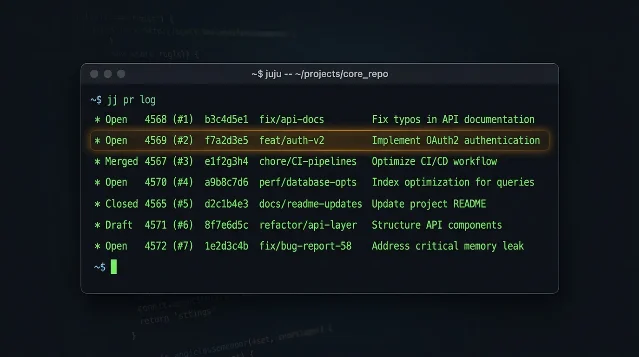
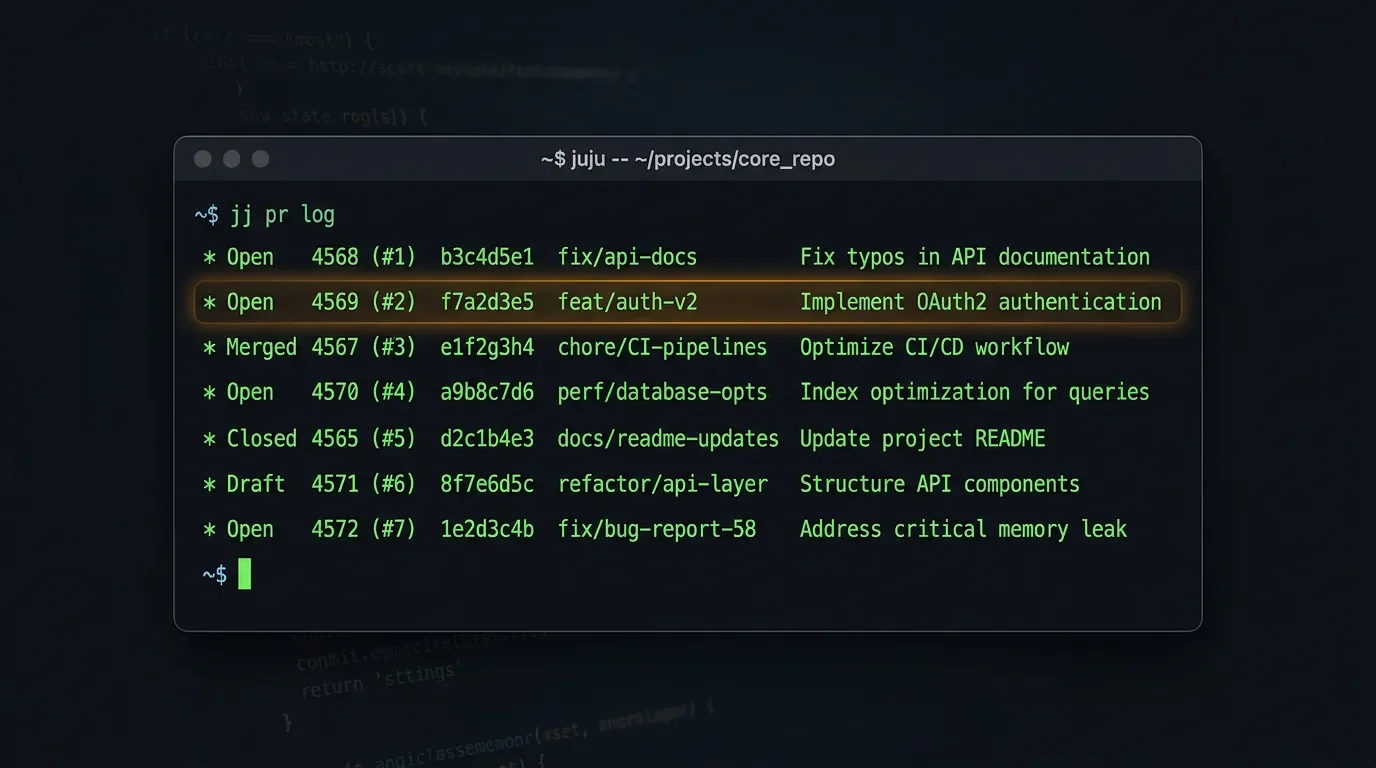
jj pr log terminal output — PR numbers, branch names, CI indicators, all in the terminal. AI-generated illustration. cargo install jj-ghcargo binstall jj-ghinputs.jj-gh.url = "github:mrjones2014/jj-gh";jj gh auth loginjj must be installed and configured. If you're not already on Jujutsu, this is not the entry point.jj user base: still a small community, but tight and technically engaged. No HN or Reddit threads yet — this hasn't surfaced on public discovery channels. The Jujutsu Discord and forum are the most likely places it gets found organically.git branch workflows. It's designed entirely around jj's change and stack model. If you're curious about jj itself, start with the official docs.jj-gh --help), and don't run pr merge on something you can't reconstruct.jj-gh, GitHub-specific by design.cargo install jj-gh && jj gh pr log
Add more perspectives or context around this Post.